
CRMLeaf at a glance
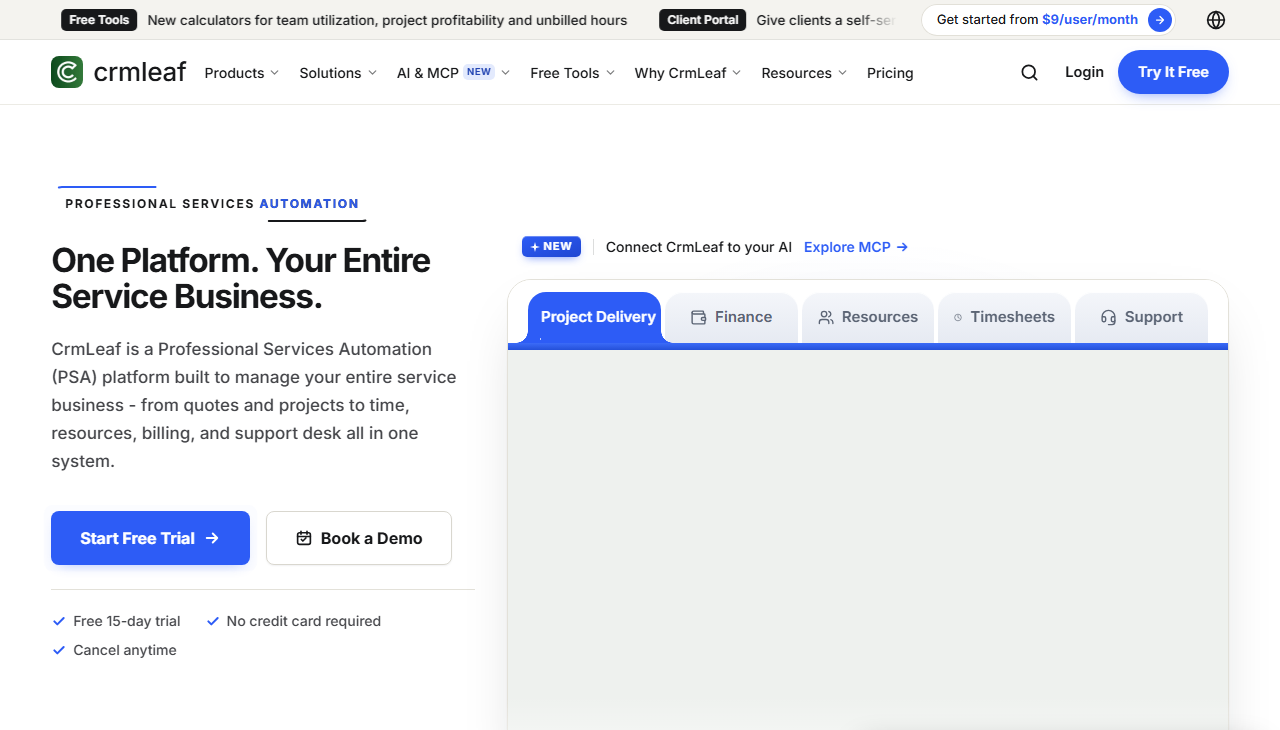
CRMLeaf is a professional services automation (PSA) platform. It brings quotes, projects, time, resources, billing and support into one system, so a services team does not need several tools for one client.
CRMLeaf runs in the cloud, so teams can log time and check status from any location. The vendor describes one clear per-user price and a 15-day free trial with no credit card required.
What CRMLeaf does
The main features, and the plan or module that includes each one.
Time tracking
One-click timers on web and desktop tag hours to projects and clients. Managers approve time before it reaches an invoice.
Projects and resources
Kanban boards, sprints, milestones and a team workload view. A capacity view shows who is overbooked or available before a project starts.
CRM and sales
A visual pipeline for new business and retainer renewals, automatic follow-up reminders, and proposals sent for e-signature.
Billing and expenses
Approved hours and expenses convert to invoices. Billing supports retainers, fixed-price and mixed contracts. Field receipts are captured against jobs.
Reporting and support
Revenue, margin and utilization in one live view. Client tickets with SLAs and agent workload.
AI assistant and MCP support
CRMLeaf includes an AI assistant and read-only access for AI tools by default.
AI assistant
Status updates, time summaries and client-ready reports. It flags at-risk budgets and timelines and suggests assignments.
MCP support
Lets AI tools such as Claude and ChatGPT query live data. Access is read-only by default, and you choose what each tool can see. Read more.
Tools CRMLeaf connects to
Connect billing, email and data tools so client work stays in one place.
Accounting
QuickBooks sync for invoices and payments.
Gmail, Outlook or any IMAP email service.
Data
Excel or CSV import. A public REST API and webhooks for events such as a timer stopped or an invoice sent.
CRMLeaf plans and pricing
Prices are as listed on crmleaf.app on 15 November 2026 and can change. See current pricing.
| Plan | Price | What it includes |
|---|---|---|
| Free | $0, free forever | 1 user, 100 contacts, 500 MB storage, 10 deals and 10 proposals. CRM and lead management. No credit card. |
| Basic | $8.10 per user per month, billed annually | 5,000 contacts, 10 GB storage. Timers, time logs, timesheets with approval, Kanban board, unlimited tasks and pipeline management. |
| Pro | $17.10 per user per month, billed annually | 10,000 contacts, 50 GB storage. Everything in Basic, plus invoicing, recurring billing, payment reminders and multi-currency invoicing. |
| Premium | $29 per user per month | Unlimited contacts, 250 GB storage. Everything in Pro, plus estimation, resource availability, workload visibility, ticket management, forms and workflow automation. |
| Enterprise | Custom pricing | Unlimited contacts, 1 TB storage. Adds SSO and LDAP, 2FA, API and webhooks, ERP and accounting integration, data migration support, an SLA, white-labeling and multi-entity support. |
Basic, Pro and Premium include a 15-day free trial with no credit card required, and you can cancel any time. The Free plan has no time limit.
How to start with CRMLeaf and Andolasoft
01
Start the 15-day free trial at crmleaf.com. No credit card is needed.
02
Book a call with us to map your quotes, projects and billing to CRMLeaf.
03
We set up the modules you need, connect QuickBooks or email, and train your team.
Services that build on CRMLeaf
Common next steps for sales and billing teams.
Is CRMLeaf built for agencies and software teams?
Yes. The vendor names software and agency teams that build and ship work for clients. It also suits distributed teams across time zones.
Does CRMLeaf have a free trial?
Yes. The Free plan has no time limit. Paid plans include a 15-day free trial with no credit card required.
Does CRMLeaf connect to QuickBooks?
Yes. The vendor lists QuickBooks sync. We can confirm the setup for your accounts during the call.
Where does CRMLeaf run?
CRMLeaf is cloud-based, so your team can use it from any location.
Can Andolasoft build custom features on CRMLeaf?
Yes. We can add custom reports, workflows or integrations. Ownership of anything we build is agreed in writing before work starts.
Ready to see CRMLeaf for your team?
Book a call. We will confirm the fit and the next step.