
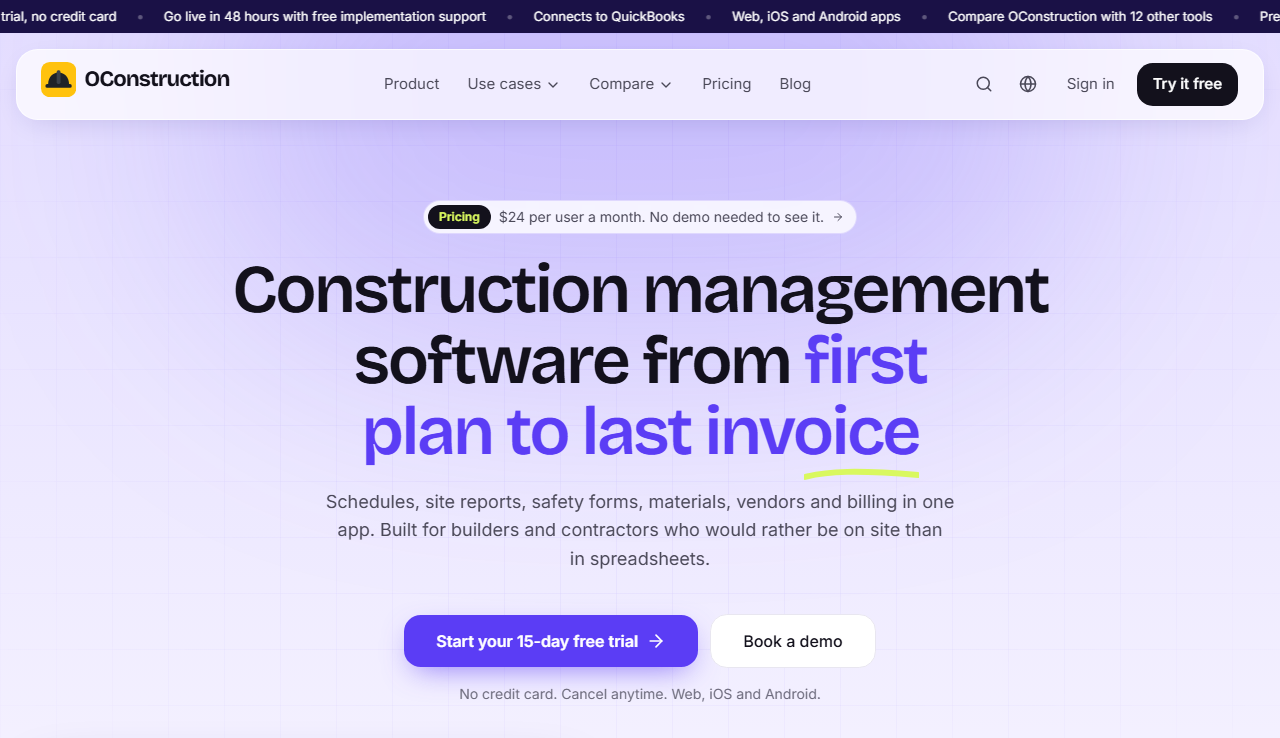
OConstruction at a glance
OConstruction is construction management software for planning, site work, safety, materials and billing. It runs on one login across web, iOS and Android, so crews can log hours and progress from their phones.
Premium is priced per user per month, with a 15-day free trial that needs no credit card. The vendor says teams can go live in 48 hours with free implementation support.
What OConstruction does
The main features, and the plan or module that includes each one.
Project and budget control
Phases, tasks, Gantt charts and cost against budget. Purchase orders, invoices, receivables and payables sit in the same system.
Materials and equipment
Stock, equipment, requisitions and reorder alerts, so site teams do not run out of key items.
Site management
Geo-tagged sites, GPS attendance and progress tracked by site.
Safety
Digital pre-task hazard plans with worker signatures each shift, and safety meetings with attendance and signatures.
Inspections and snags
Mobile inspections, geo-tagged photos and snag lists. Inspections and timesheets work offline and sync when the signal returns.
Timesheets and vendors
Mobile daily timesheets with approvals and payroll-ready exports. A vendor register with goods receipt and payments, plus contractor work orders, invoices and retention.
Who OConstruction is built for
The vendor names these teams as its main users.
Specialty contractors
Trades that run many small jobs across sites.
Building contractors
Teams that manage phases, budgets and subcontractors on one project.
Procurement and vendor teams
Teams that manage purchase orders, goods receipts and vendor payments.
Quality and audit teams
Teams that need safety and inspection records they can show in an audit.
OConstruction plans and pricing
Prices are as listed on oconstruction.io on 15 November 2026 and can change.
| Plan | Price | What it includes |
|---|---|---|
| Premium | $24 per user per month billed monthly, or $22 per user per month billed annually | All project, resource, vendor and contractor management features, free implementation support, no setup fees, and cancel at any time. |
| Enterprise | Custom volume seat pricing, billed annually | Adds SSO (SAML), a dedicated customer success manager, a custom SLA, API and webhook access, multi-entity and multi-currency consolidation, regional data residency and priority support. |
Tools OConstruction connects to
QuickBooks
Connects to QuickBooks for accounting.
API, webhooks and SSO
Available on the Enterprise plan.
Data residency
Regional data residency is available on the Enterprise plan.
How to start with OConstruction and Andolasoft
01
Start the 15-day free trial on oconstruction.io. No credit card is needed.
02
Book a call with us to match the modules to your sites and crews.
03
We set up phases, crews and safety forms, and train your team. The vendor includes free implementation support.
Services that build on OConstruction
Common next steps for construction teams.
How long does OConstruction take to go live?
The vendor says teams can go live in 48 hours with free implementation support.
Does OConstruction work offline?
Timesheets and inspections work offline and sync when the signal returns, according to the vendor.
Which plan do I need?
Premium includes the full project, resource, vendor and contractor feature set. Enterprise adds SSO, API access, regional data residency and a custom SLA.
Is there a free trial?
Yes. The vendor lists a 15-day free trial with no credit card required.
Can Andolasoft build on OConstruction?
Yes. We can add custom reports, workflows or integrations. Ownership of anything we build is agreed in writing before work starts.
Ready to see OConstruction for your team?
Book a call. We will confirm the fit and the next step.